A school platform, in your browser.
School OS connects management, learning and communication on your existing computers and phones. It does not replace Windows or Android.
THE KINDERGARTEN · INTERACTIVE PRODUCT TOUR
Follow a school day from the classroom to the office and home. Try attendance, published results, fee reminders and a connected leadership report, with a connected DewDrop demo close at hand.
Explore the workspaces ↓Teacher prepares.A request becomes a draft to review.
The right person confirms.A clear handoff to the next role.
Families stay connected.The linked child’s information, in view.
School OS connects management, learning and communication on your existing computers and phones. It does not replace Windows or Android.
DewDrop guides supported workflows. This tour accepts supported multilingual requests using local rules, with explicit previews and confirmations. It is a guided simulation, not live AI.
A teacher prepares attendance and marks. A Principal reviews publication. An Accountant prepares a reminder. Families see the linked child’s information.
TRY IT FOR YOURSELF
All people, marks and balances below are sample data. Changes stay in this tab and clear on reload. No real records, payments or messages are involved. These are simplified workflow illustrations; available early-access features are confirmed during onboarding.
Local rules · fictional data. Try an example or type a supported request in English, Roman Urdu or Urdu. Replies are in English. This demonstration uses no live AI model. “Today” means 19 October 2026.
Conversation follows this role across journeys. Other roles have separate threads. Replies reflect the sample records when asked. Reload or Reset clears the tour and conversations.
THE KINDERGARTEN · YOUR NEXT STEP
You have explored how school work connects across roles. Tell us about your school through the single Early Access form; no student records are needed.
Request early access ↗FROM THE DEVELOPMENT INTERFACE
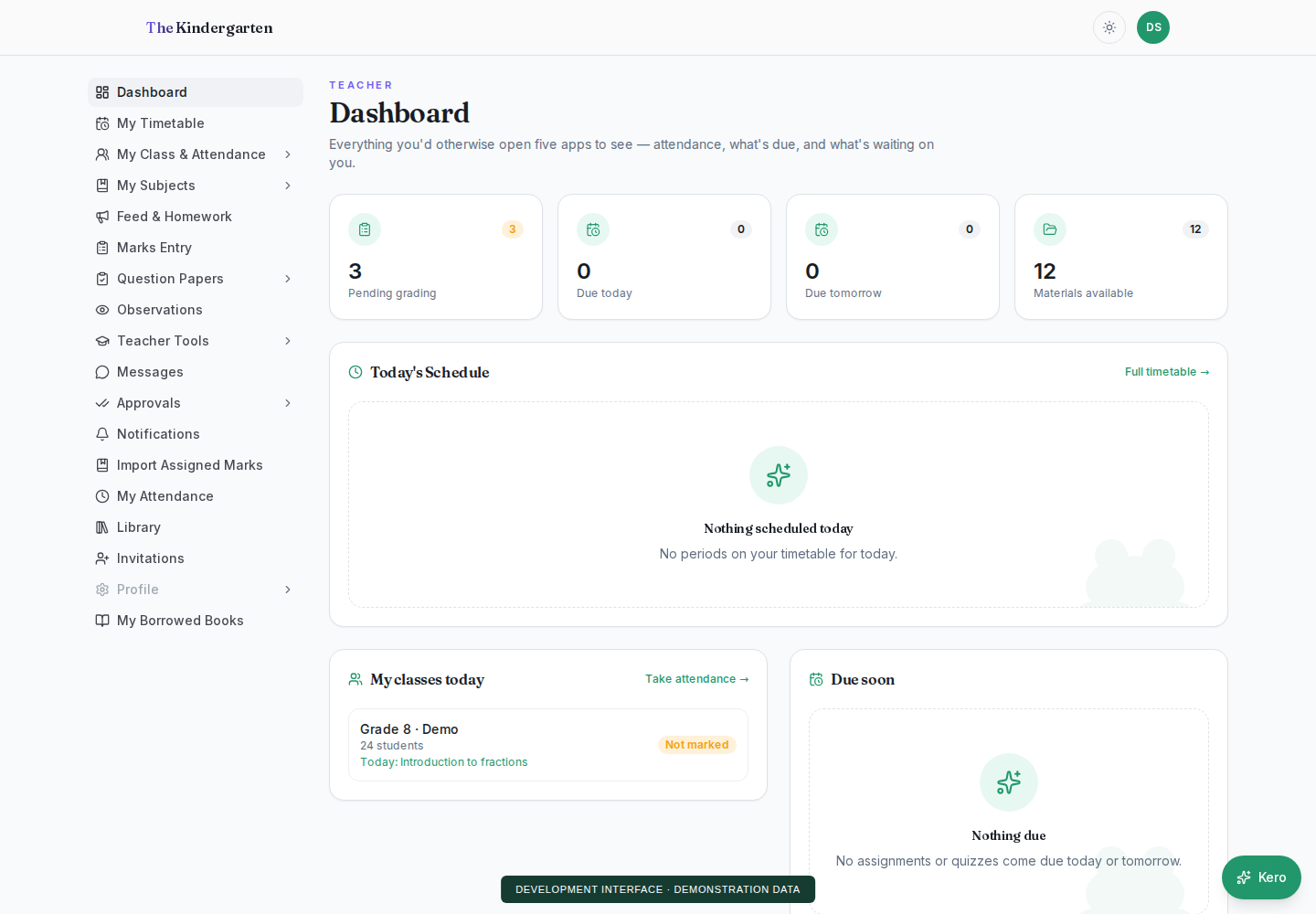
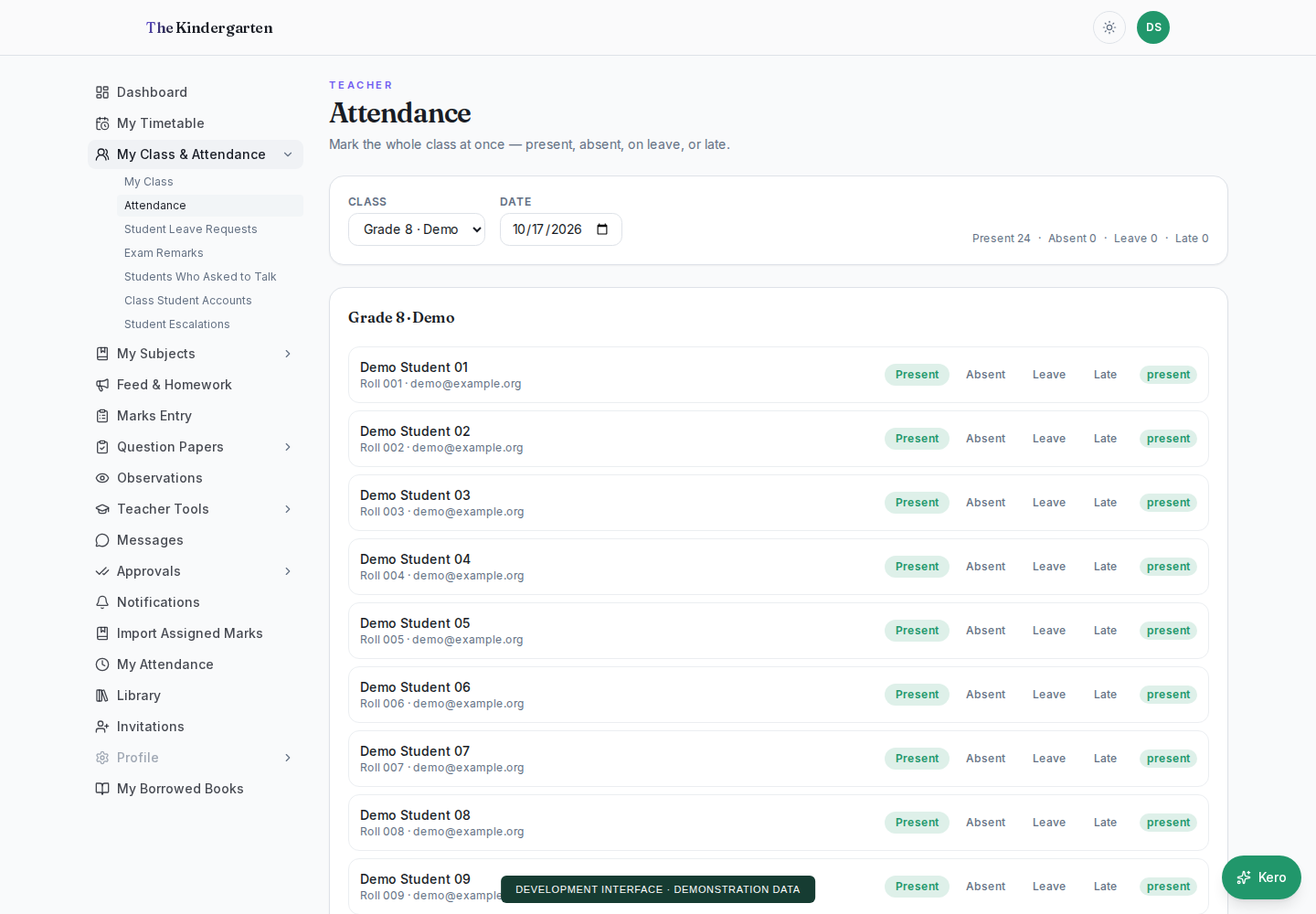
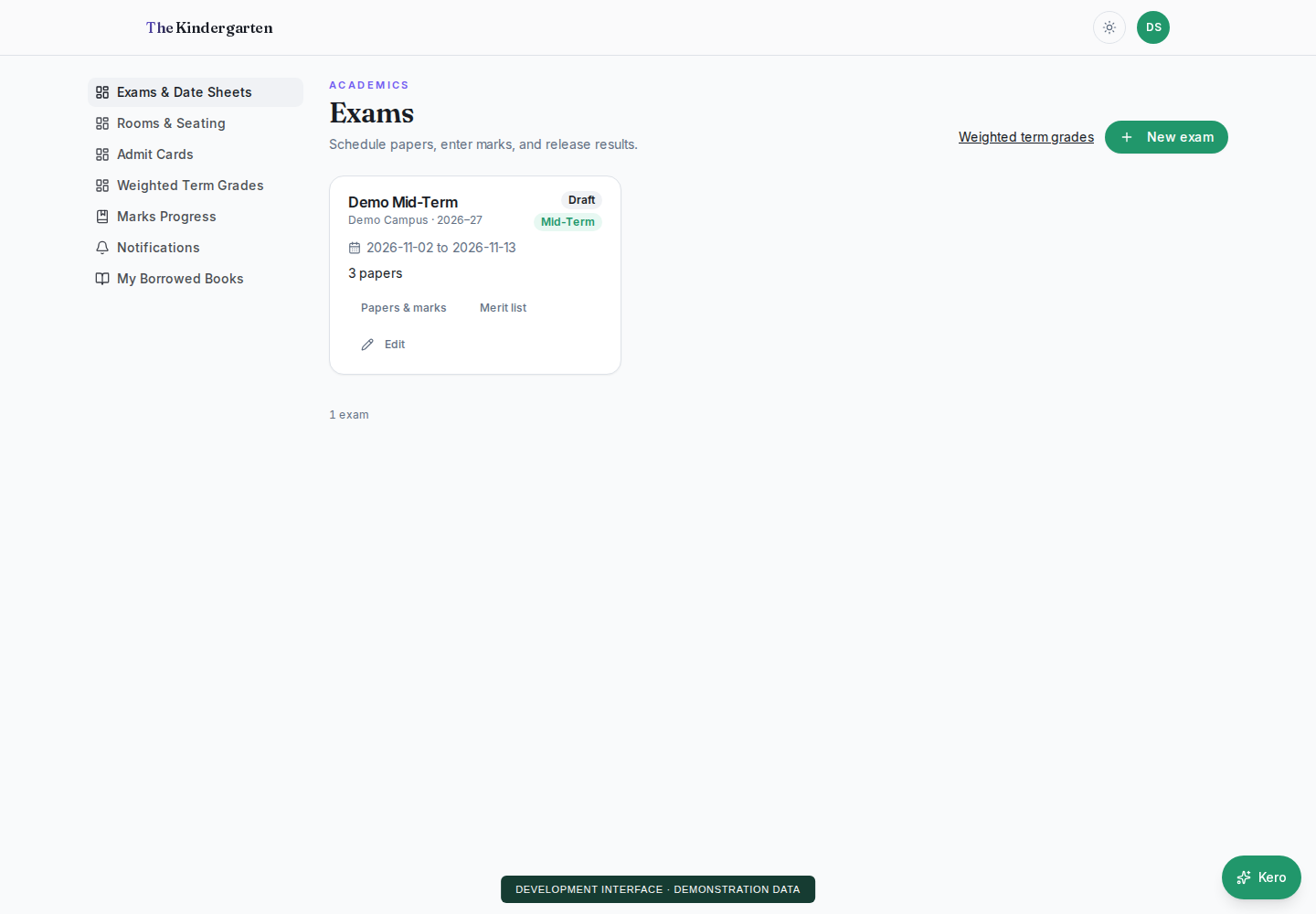
The tour above is a simplified illustration. These screenshots show the development interface with demonstration data.